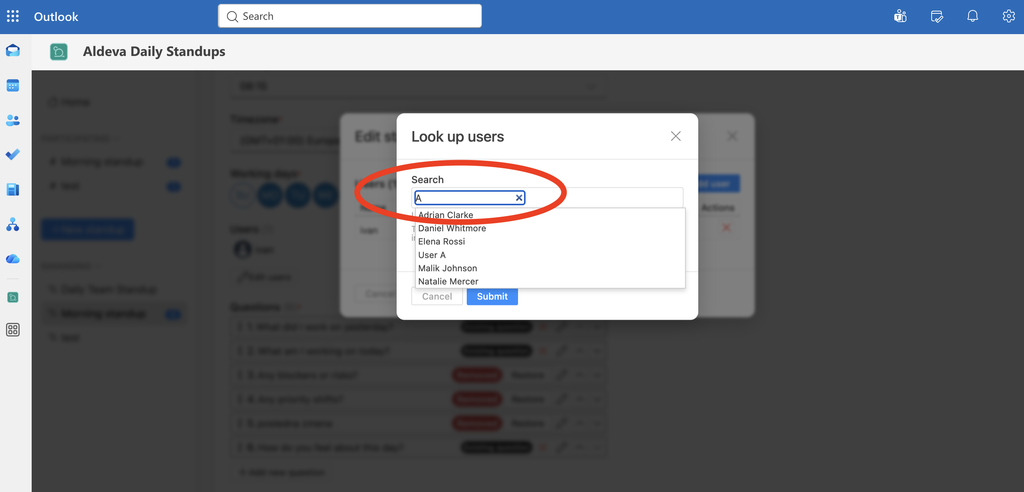
Adding or removing a standup user is really easy. It can be done in standup settings.
Note, only standup managers have access to Settings area of particular standup.
Tutorial
1. Find standup settings
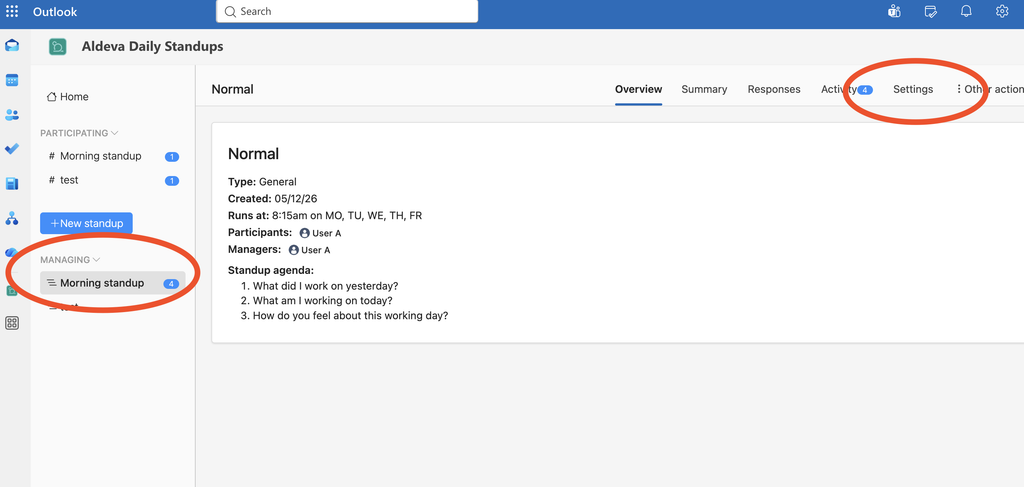
As the first step find your standup in the left sidebar within MANAGING section and then click the Settings tab on the top-right.
2. Find section of editing users
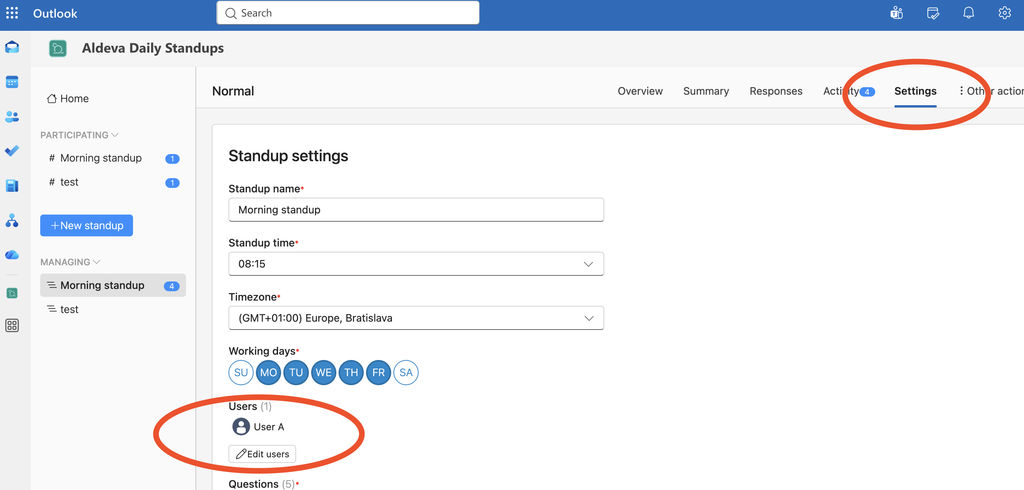
After that the standup settings form appears. Scroll down to the Users section. From there proceed clicking the Edit users button.
3. Find users
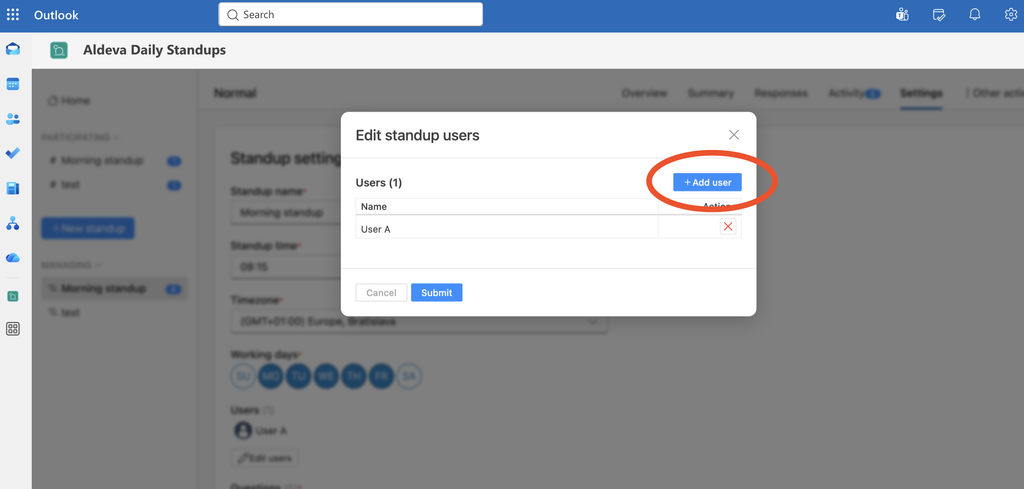
A popup dialog shows up with the current list of users assigned to the standup – you might want to exclude users who are no longer a part of it.
In order to add new users click the Add user button.
From there you can simply look up users who are in your Microsoft Teams.